With Gnoppix 25.11, we’ve replaced the old, memory-intensive WebUI with our own streamlined version, which is now designed to run directly in your browser.
Gnoppix Member get it directly with our KDE or KDE-Rolling distribution.
This extension is currently dedicated to our members and PRO users only.
The installation process is straightforward:
- Request the PlayGround - local extension through the member portal.
- The extension will be sent to you by email.
- Please use the same email address that you used for your PRO or Membership donation.
For non-members of Gnoppix, you’ll get access soon: The extension will be included with Gnoppix 26.2, scheduled for early 2026."
Howto
1.) Visit: https://landing.gnoppix.com
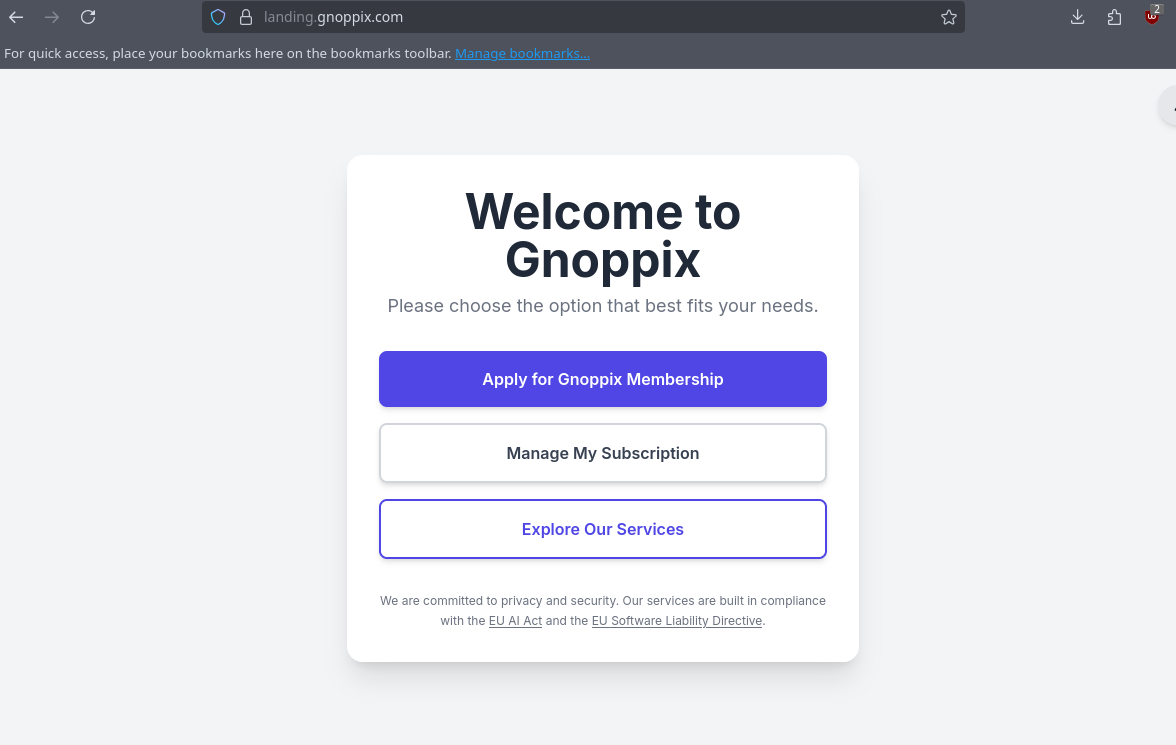
2.) click “Manage My Subscrition”
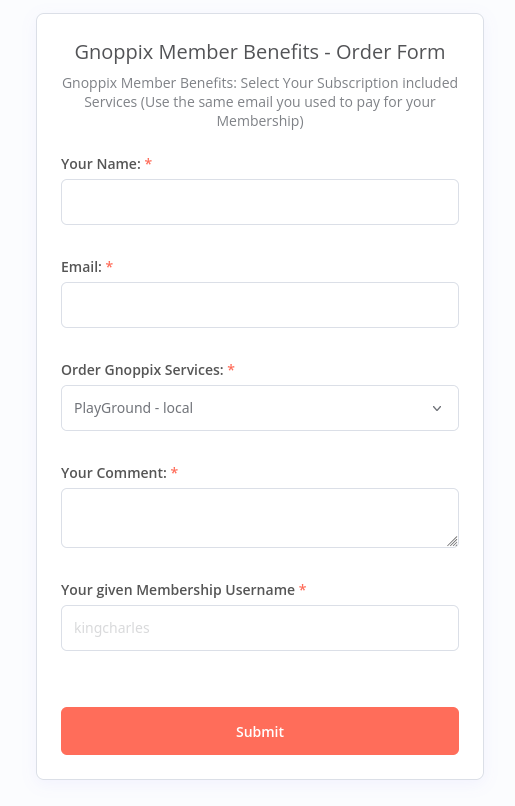
3.) Fill out the fields and press ‘Submit’. Please wait for the email confirmation. Since we don’t have automation in place yet, this may take a few hours." 
4.) If you got the file, close LibreWolf Browser and open the Dolphin App copy the file “playground@gnoppix.xpi” to the extension directory. ~/.librewolf/v31ify81.default-default/extensions
5.) edit prefs.js file, located ~/.librewolf/v31ify81.default-default/prefs.js and add end of the file the following line :
user_pref(“xpinstall.signatures.required”, false);
safe and quit the editor.
6.) Testing: test it: Start the LibreWolf Browser. If you followed the instructions exactly as described, the result should look like this:
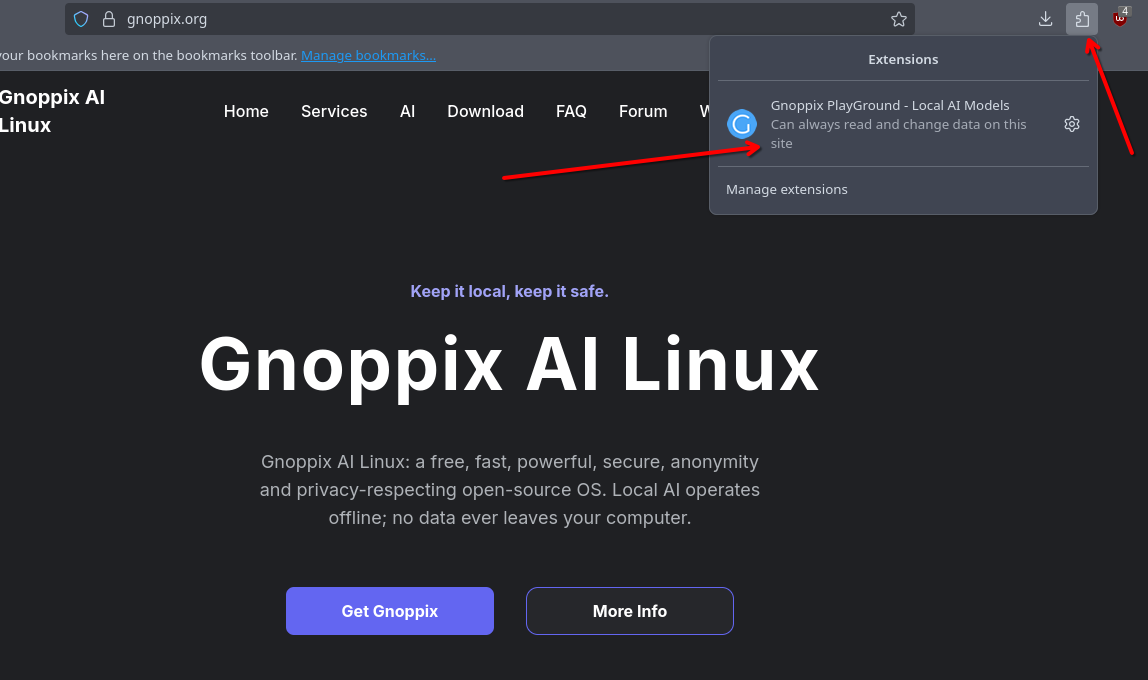
You start the PlayGround by clicking the Gnoppix Logo.